AI-Document Creation
Write Anything.
Faster.
Create documents connected to your meetings, files, and projects, with Zena Voice built in.
Writing shouldn’t mean juggling apps
Creating a document often means moving between an editor, separate AI tools, meeting notes, translation apps, and file storage.
ZooDocs brings drafting, editing, collaboration, and Zena Voice together in one workspace.
Write with context
Turn ideas, notes, and existing documents into polished work using voice or text.
Because ZooDocs is connected to your workspace, Zena Voice can build on your meetings, files, and documents instead of starting from scratch.
Draft faster
Create proposals, reports, emails, and more without starting from scratch.
Rewrite with confidence
Adjust tone, shorten content, improve clarity, or create a new version for a different audience.
Summarize the important parts
Turn long documents into clear summaries and next steps.
Translate content
Translate documents while preserving formatting.
Build on work that's already done
Build documents using meetings, notes, and files your team already has.
Refine before you share
Catch inconsistencies before you share.
Ask for what you need
- “Draft an executive summary from this document.”
- “Rewrite this section to sound more direct.”
- “Turn these notes into a client-ready proposal.”
- “Translate this document into Spanish.”
Keep working with Word
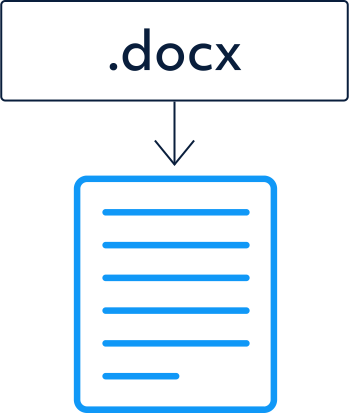
Open, edit, and share Microsoft Word documents without disrupting existing workflows.
Keep formatting, comments, tracked changes, and styles intact.
No rebuilding. Just documents that keep working.
Work wherever work happens
Access ZooDocs across the devices your team uses, so documents remain available whether you are working from the office, at home, or on the move.
Desktop
Tablet
Mobile


Keep document work in one place
Keep drafting, feedback, and approvals in one place.
Bring reviews, revisions, and approvals into one workflow, so your team spends less time chasing files and figuring out which version is current.
Why teams choose ZooDocs
Spend less time starting from scratch
Start with ideas, meetings, and existing work, not a blank page.
Keep your work connected
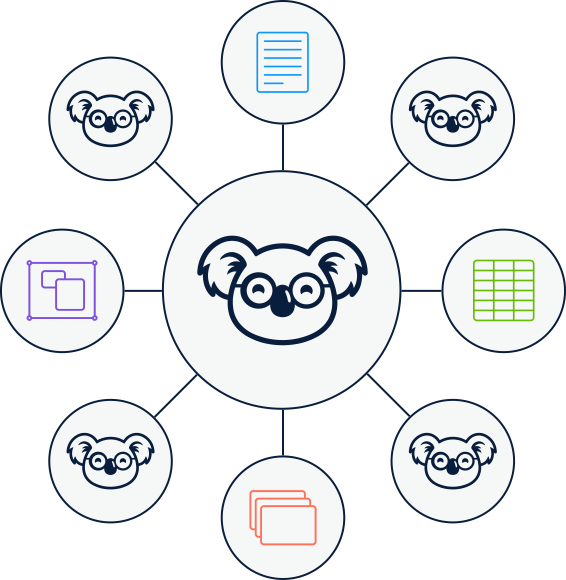
Your documents stay connected to meetings, files, and projects across ZooOffice.
Collaborate without version chaos
Keep document updates easier to follow without juggling multiple copies.
Stay compatible with Microsoft Word
Keep documents moving without conversions or rebuilding.
Traditional workflow vs. ZooDocs
| Traditional document workflow |  |
|---|---|
| Jump between documents, meetings, and AI tools | Connected workspace |
| Copy and paste information | Build on existing work |
| Multiple apps | One workspace |
| Version confusion | Shared collaboration |
Built for every team
Sales
Create proposals, contracts, and customer documents in less time, without starting from scratch.
Operations
Turn meeting notes, process updates, and project information into clear, repeatable documents.
Legal & compliance
Prepare structured drafts, review language, and keep document feedback organized throughout the approval process.
HR & people teams
Create onboarding guides, policies, internal announcements, and employee communications more efficiently.
Executive teams
Turn notes, reports, and business updates into concise summaries and decision-ready documents.
Distributed teams
Translate and adapt documents for different audiences while keeping the original message and structure clear.

Documents that move work forward
Everything you need to create professional documents, with Zena Voice AI built into every document.